
-
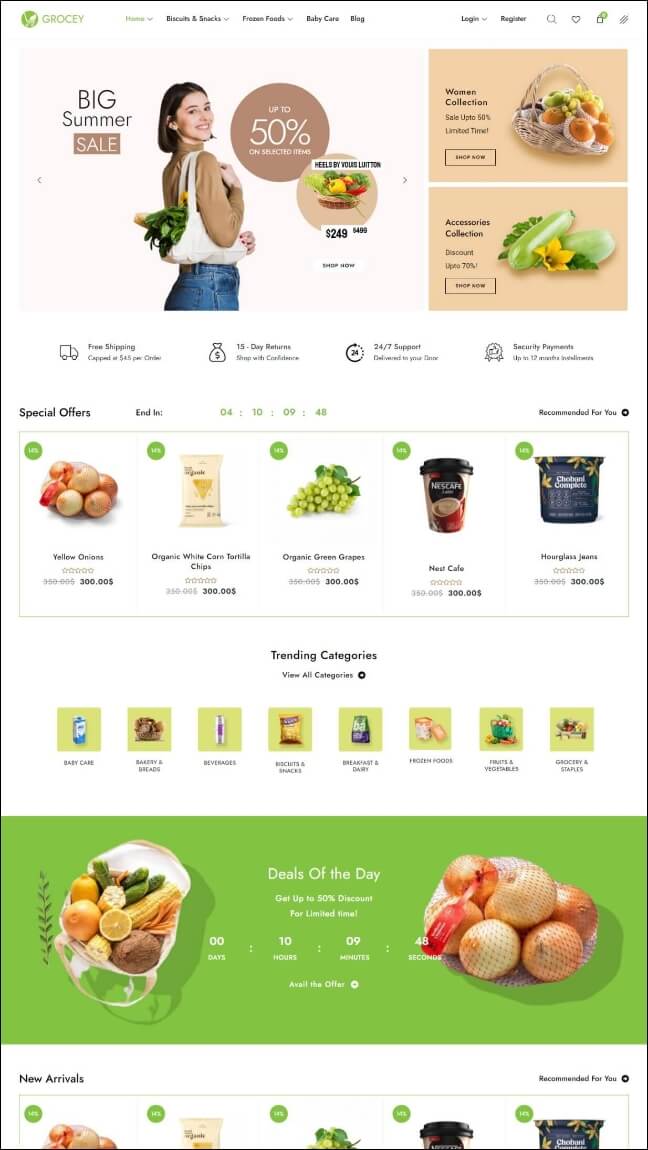
Boxa2z Multipurpose WooCommerce Theme
₹5,000.00
Import demo content
The Installation Wizard offers an option to import sample data during the initial setup. But you can run again the wizard to import the content.
IMPORTANT

1. Before starting you may want to check the Server Requirements
2. If you want to test the different demos on the same site you should reset your site before importing another demo. Use a plugin like WP Reset to restore your site to its default installation.
3. Go to Settings → Permalinks and change your permalinks to something else than the default “Plain” mode. The demo site uses “Post name“.
4. On a VPN the installation wizard won’t process the remote XML. Use a direct connection instead. Otherwise, proceed with a manual import of the xml files using the default WordPress importer. The xml files are included in the full theme package.
If you already checked the IMPORTANT recommendations you can proceed. Go to Boxa2z → Demo Import and click Demo Import.
That will run the Import Content step from the installation wizard.